



Casombie App
Once you install the Casombie app, you can be sure that its features are fully consistent with the web version and that it also adds many convenient features. For example, you’ll have access to a native full-screen mode that helps you immerse yourself even further in the game and enjoy the details. You can also log in more quickly using Face ID or your fingerprint. You can install the application on any supported Android or iOS device or on a desktop computer.



Casombie Mobile Casino
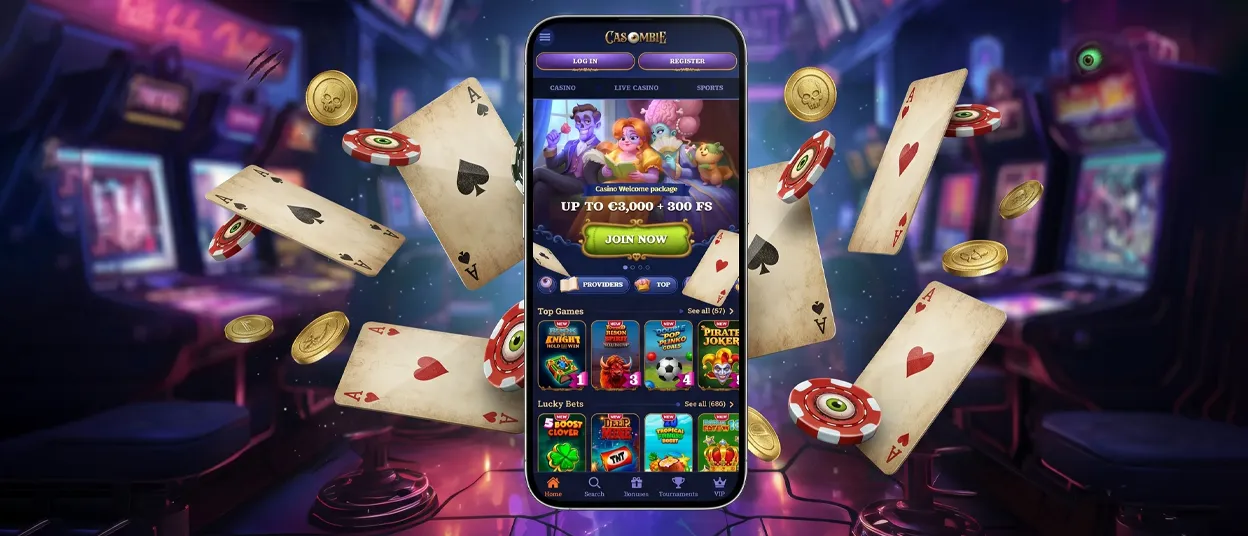
When you launch the Casombie app on your smartphone for the first time, everything might seem familiar and comfortable. As you gradually get the hang of it, you’ll notice that all buttons are optimized for touchscreens, and the convenient placement of interface elements actually speeds up the process in some cases. Plus, the very fact that you can play during long trips or while waiting in long lines helps make the tedious wait more bearable without sacrificing quality.
One of the advantages of playing at Casombie on a personal computer is the screen size, which lets you fully appreciate the polish and detail of online slots from top-tier providers. Many people need to feel the tactile feedback of a click, which is why they prefer using a keyboard and mouse for gaming.
Mobile Application for Android
To launch Casombie Casino on your Android tablet or phone, you don’t need to visit the app store or install a separate APK, since the app uses PWA technology. To set it up, simply follow the easy instructions below:
- Open the official website in any browser
- Find the “Menu” button below and tap it
- Next, find the “Add to Home Screen” button and give the app a name
- Confirm the installation and wait for the icon to appear on your home screen
After a quick login, you’ll be able to enjoy all the features and start playing with the Casombie app.
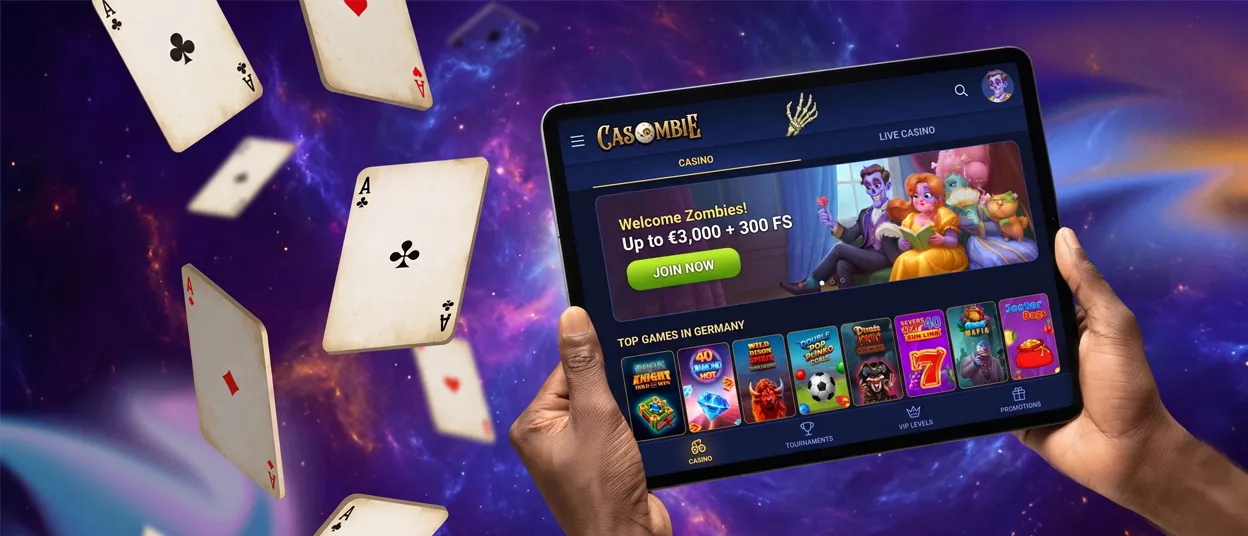
Mobile Application for iOS: iPhone and iPad
Installing Casombie Casino on your iPhone or iPad also doesn’t require interacting with third-party sources or app stores. It provides you with a fully functional version that will significantly enhance your gaming experience on the go. To download it, visit our website using Safari or any other browser, then tap the “Share” button. You’ll have the option to rename the application or leave it as is, after which you’ll need to confirm the installation once more.
The shortcut to the Casombie app will appear on your device within seconds because it takes up virtually no space, so it doesn’t matter how stable your internet connection is.
Casombie Casino Application for Windows/macOS
The desktop version of Casombie Casino is a very useful solution that offers benefits such as optimized game loading speeds and full-screen mode, making it the better choice. Also, in the browser version, notifications work selectively and appear only within the browser window itself, whereas our app sends alerts about new promotions and opportunities directly to you.
To download the program to your Windows or macOS device, you need to visit the website, where you’ll see an “Install” button in the address bar. Then, simply confirm the action and wait for Casombie to appear on your device.
Device Compatibility
The Casombie platform is completely optimized for all kinds of devices, so you can enjoy the same library of games on desktop, smartphone, and tablet without any additional software to install. The site loads quickly and automatically adapts to your screen size thanks to HTML5 technology. The mobile version maintains a stable connection in live dealer sessions and helps the lobby load quickly even on cellular networks. Both Android and iOS devices are supported.
| Device Type | Minimum OS Version | Performance Notes |
| Smartphone (iOS) | iOS 13+ | Lobbies load fast, touch controls are responsive |
| Smartphone (Android) | Android 9+ | Stable live game connection with good network |
| Tablet (iPad/Android) | Same as above | Large screen adapted, no scaling issues |
| Desktop (Windows/Mac) | Any modern browser | Best performance for extended live dealer sessions |
FAQ
How can I update the Casombie app?
You don’t need to visit or interact with any third-party websites, which can expose your personal information and finances to the risk of hacker attacks, because Casombie Casino updates automatically, unlike its APK counterparts. To ensure you don’t miss out on new content or important events, you can customize push notifications to suit your preferences.
Will the app save my progress between devices?
Yes, your gaming progress at Casombie Casino remains the same and is stored on our servers, ensuring full cross-device compatibility. You can also start wagering your bonus on one device and finish on another.
Do live casino games work in the Casombie app?
Live dealer games and all their features are available at Casombie Casino. To ensure an enjoyable gaming experience and to avoid disconnections and delays, we recommend that you play in this section only when you have a stable internet connection so that technical issues don’t spoil your gaming experience.
Can I upload verification documents through the application?
The verification process is very simple to do on the Casombie mobile casino, right in the app. Upload photos of your documents directly from your device to verify your identity and provide up-to-date proof of address. If you have any problems, please contact our support team via live chat for more information.


